Analysis: Which PC fans vibrate the least?

So which ones? Vibrations of more than a hundred PC fans collected in one place, in both 120 mm and 140 mm formats—the ones most widely used among PC builders. Some models vibrate more, others less, or not at all. The scenarios vary, as is natural. The task is to make sense of it all based on exact measurements. These are compiled into clear graphs. Yes, you’ve seen them before.

There are multiple reasons why fans vibrate. They were described in this article; now we focus on the results captured in the graphs. For maximum clarity, we selected only two operating modes in which vibrations are usually the highest. This doesn’t always have to be the case, but the higher the speed, the higher the vibrations tend to be.

Delicate fan‑mounting mechanism. Profile detail

For completeness, we naturally also have “slower” and quieter modes available, where fan vibrations tend to be lower (these are included in the 120 mm tests as well as the 140 mm fan tests). Besides the 3D vector, there are also vibrations measured along individual axes: here is the X‑axis, and in the next two chapters the Y‑axis and Z‑axis. Some results are missing simply because our testing methodology could not detect anything. The method we use to measure vibrations is described on the standard fan‑testing page.


So which fans vibrate the least? Usually the more expensive ones—and among the cheaper ones, for example (A)RGB models, those with a more rigid impeller. That is, fans where the impeller is not the light‑diffusing element; instead, illumination is handled by a ring around the impeller integrated into the frame. This is not a strict rule, and as you can see from the relative values in the graphs, the reality varies. The lower the values, the better—theoretically.
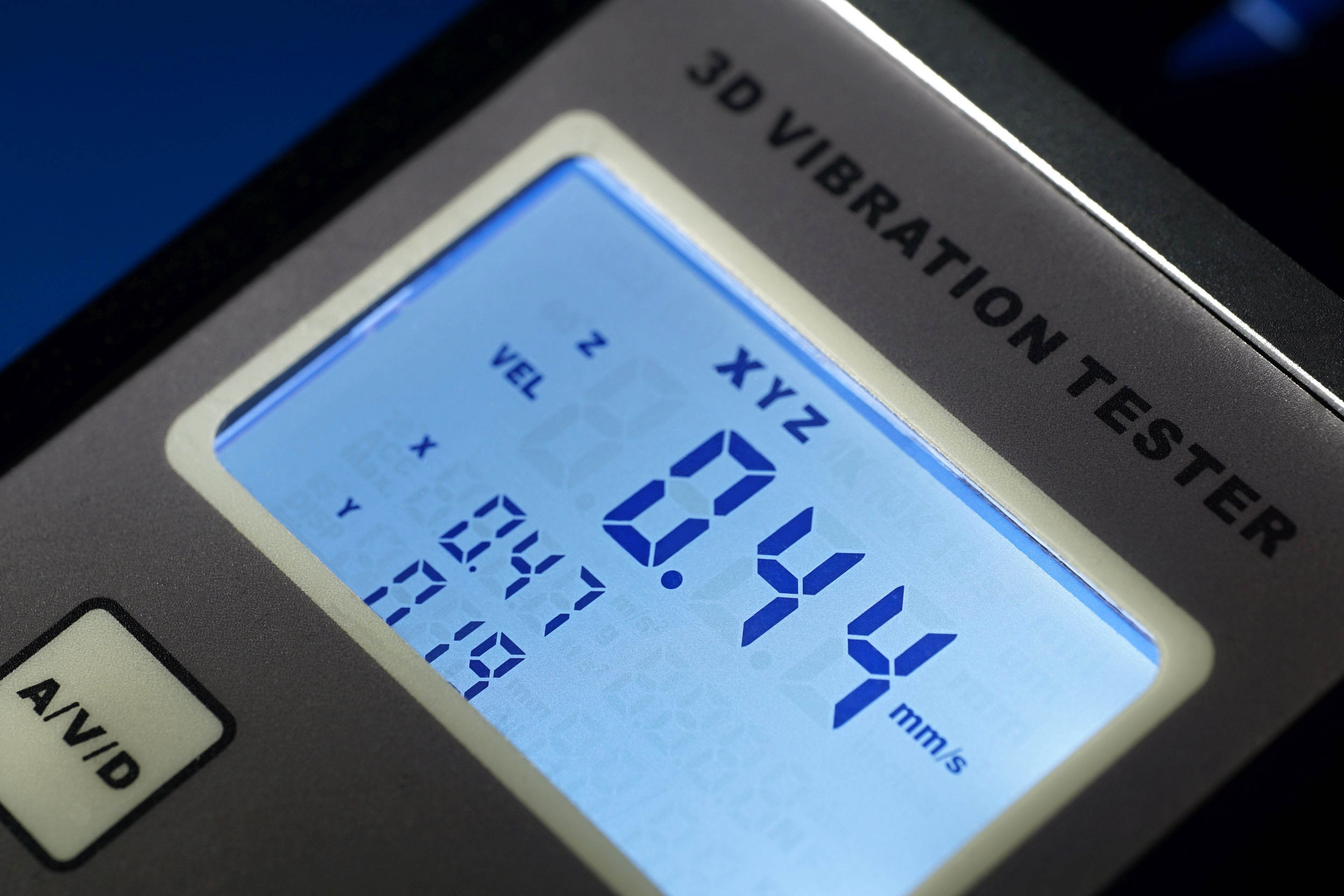
The Landtek VM‑6380 three‑axis vibrometer. This is what we use to measure fan vibrations.

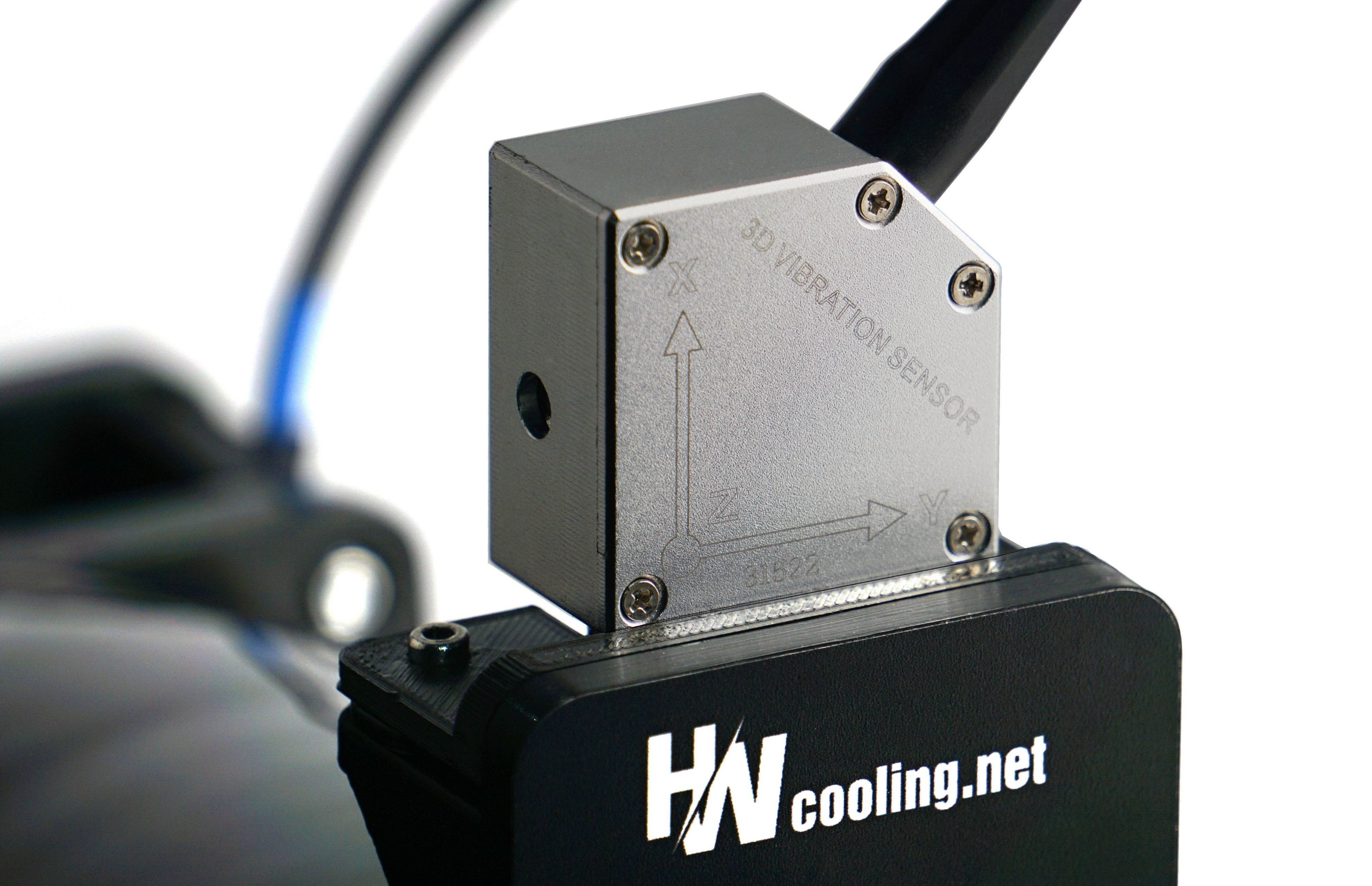
We measure the vibrations that reach the frame—that is, vibrations transmitted into the mounting bracket to which both the fan and the vibrometer sensor are attached.

English translation and edit by Jozef Dudáš

Contents

Fan frame daisy-chaining trend. When is it (not) helpful

Easier installation? Yes, that’s why it’s done. Daisy-chaining fans using contacts in their frames is great, but it often also comes with pitfalls that reduce “cooling efficiency”. Manufacturers deal with this in different ways. One does it technically one way, another differently. In any case, they know that a frame that is too thick means less space for the blades. And that does not improve airflow per unit of noise. Read more “Fan frame daisy-chaining trend. When is it (not) helpful” »

Arctic BioniX P14 A-RGB: Elegant daisy chaining is just the beginning

High cooling efficiency is the foundation, but with the BioniX P14 A-RGB fans, Arctic has also made efforts on other fronts. In addition to the clever daisy-chaining method (with the aim of reducing cabling to a minimum), this includes, for example, illumination as intense as possible. The light is guided not only through the entire impeller, but also through the surface of the frame, from the side. There are light guides in these areas as well. Read more “Arctic BioniX P14 A-RGB: Elegant daisy chaining is just the beginning” »

Arctic BioniX P12 A-RGB: Efficient, inexpensive, illuminated and…

And with very clever daisy‑chaining from one fan to the next. This is what can fill in the ellipsis in the headline. The aerodynamic efficiency remains top‑tier, built on a design that Arctic revised some time ago (with the P12 Pro fans), but which can still be considered “new.” The BioniX P12 A‑RGB fans certainly are (new), and in this in‑depth analysis we focus on how they work. Read more “Arctic BioniX P12 A-RGB: Efficient, inexpensive, illuminated and…” »

Leave a Reply

Your email address will not be published. Required fields are marked *
